
Connect display edges your way.
Create wrap links between compatible display edges, and Torusify remembers them for each display arrangement so your cursor feels right again when you reconnect or rearrange monitors.
Torusify for macOS
Torusify brings smoother cursor movement, edge wrapping, and focus-aware shortcuts into a simple, intuitive UI made for real Mac workspaces.
14-day free trial. One-time purchase to unlock forever.
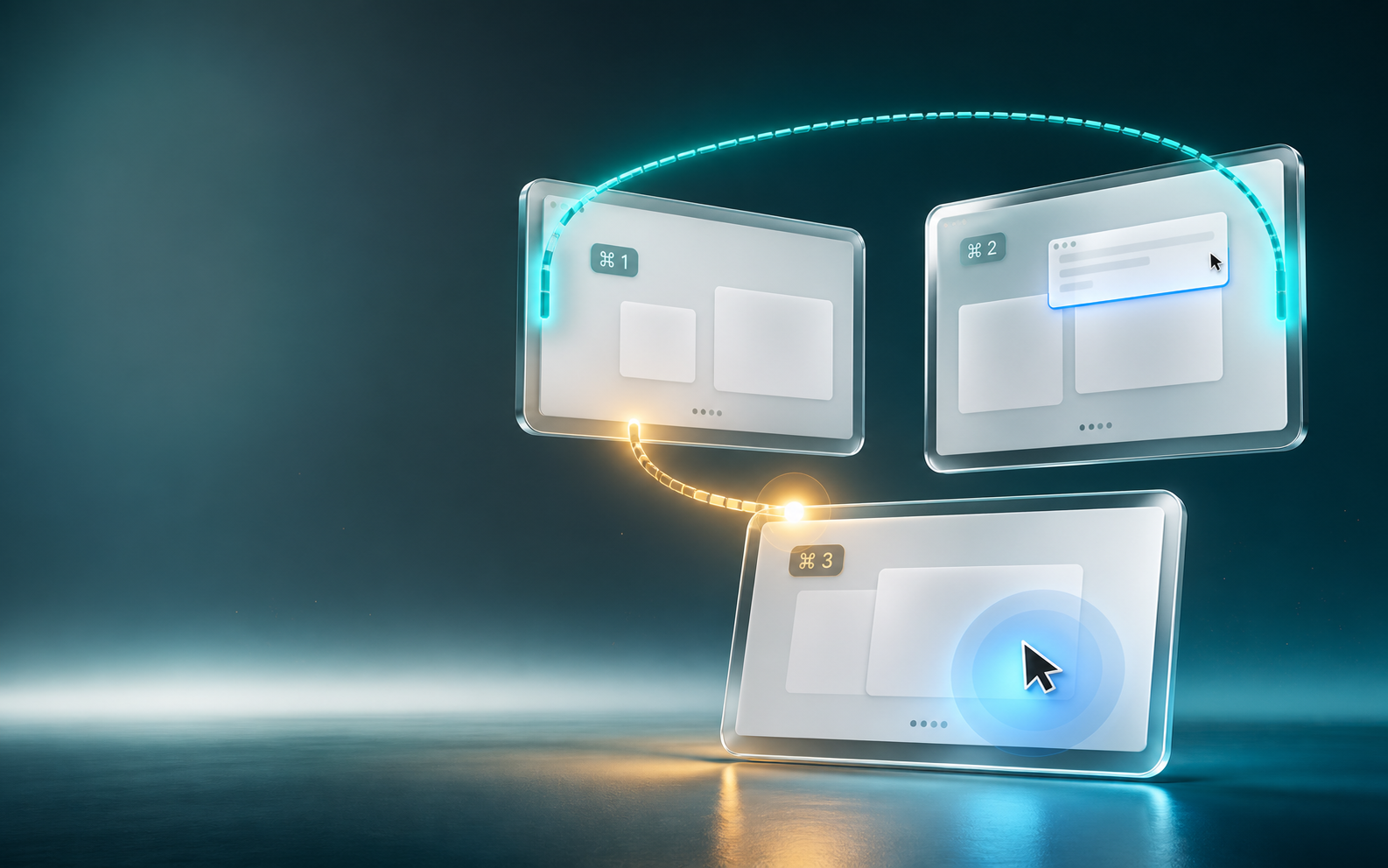
Torusify in action
The app stays focused on one Mac display setup: cursor movement, edge correction, focus-aware movement, shortcuts, and visual cursor cues working together.
Features
Start with sensible automatic links, then use a visual display map to inspect active links, toggle edge bridging, create custom wrap links, and refresh your display arrangement.
Create wrap links between compatible display edges, and Torusify remembers them for each display arrangement so your cursor feels right again when you reconnect or rearrange monitors.
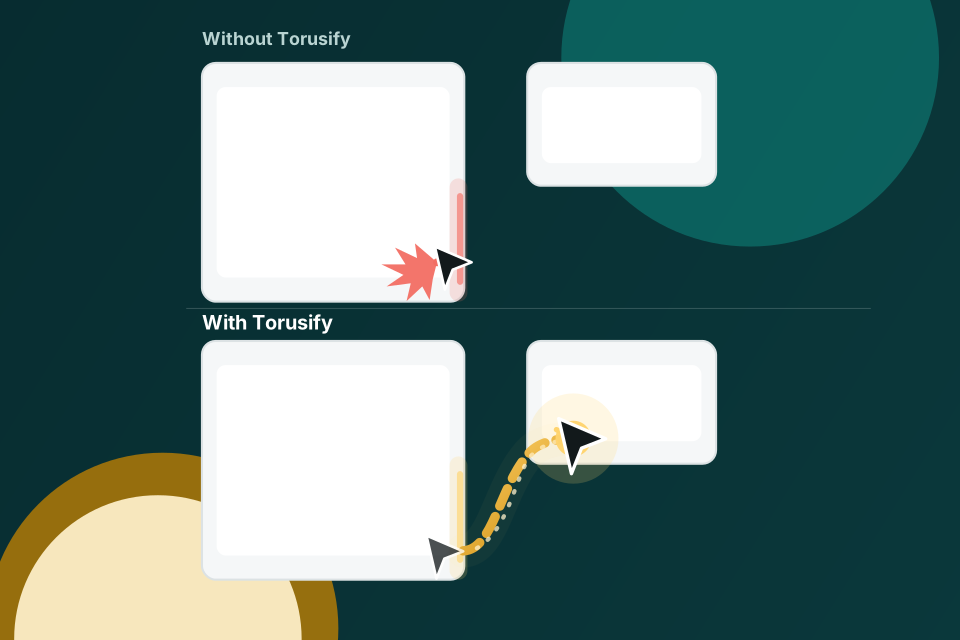
Bridge partial display overlaps and land the cursor at the nearest valid edge position when your monitors are offset.

After keyboard-based app or window switching, move the cursor to the focused window on another display.
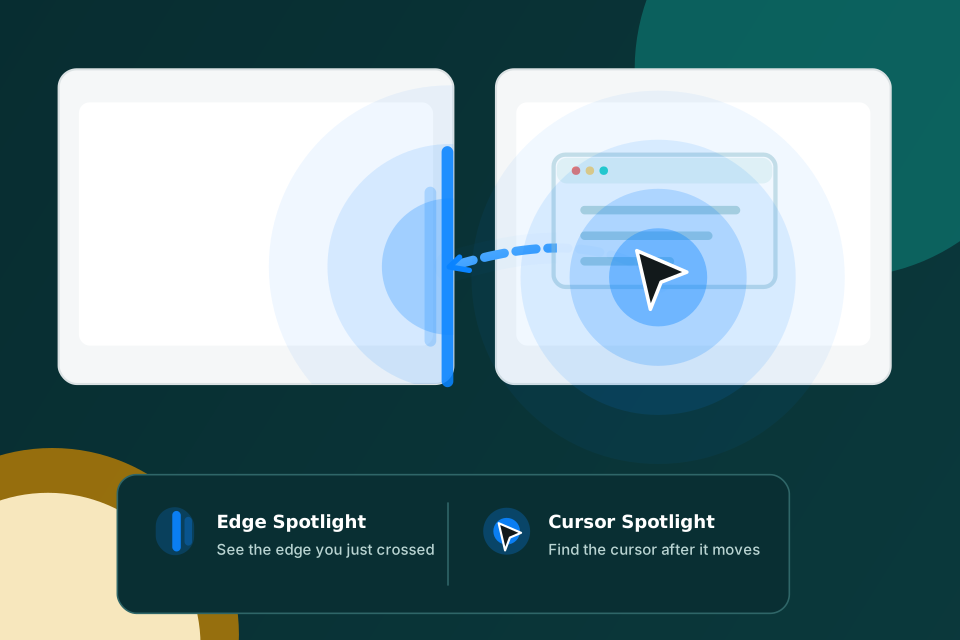
Cursor Spotlight and Edge Spotlight make the arrival point visible after focus movement, shortcuts, or display-edge crossings.
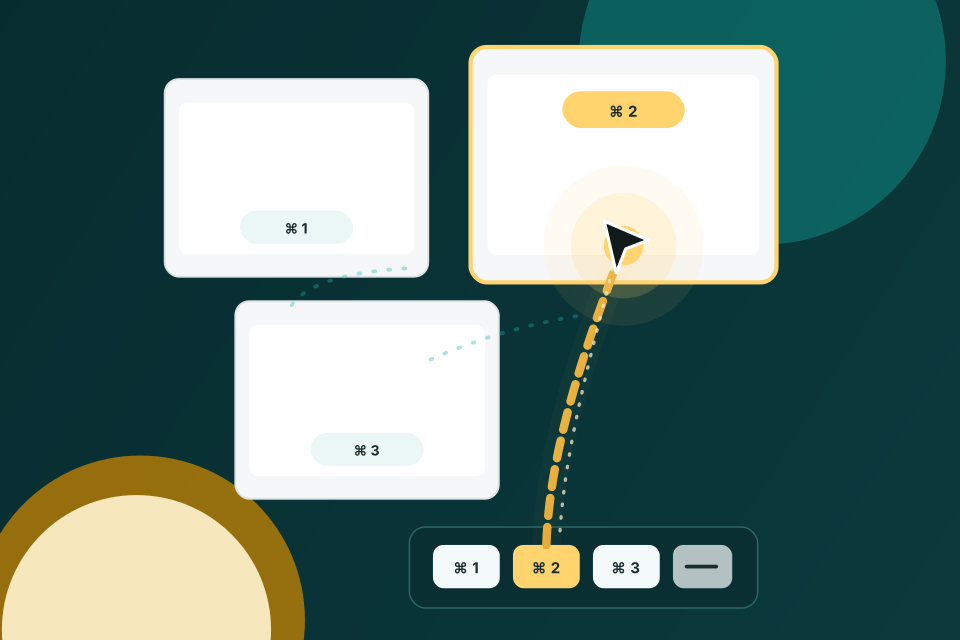
Assign shortcuts per display and move the cursor directly to the display center without reaching for the mouse.
Pricing
Torusify is free to download. Try every feature for 14 days, then unlock the app forever with a one-time purchase.

FAQ
Torusify improves cursor movement across multiple Mac displays with edge wrapping, gap bridging, automatic display links, focus-aware movement, shortcuts, and visual cursor cues.
Torusify is for Mac users who work across a MacBook display, external monitors, vertical displays, or wide screens and want cursor movement to feel more natural.
No. Torusify focuses on cursor movement inside one Mac display setup. It does not share your mouse, keyboard, clipboard, files, or windows across multiple computers.
Torusify supports macOS 13 Ventura or later.
No. Torusify uses a 14-day free trial followed by a one-time purchase to unlock the app.
Torusify needs Accessibility permission to inspect focused windows and move the cursor for features like Cursor Follows Focus. It does not use that permission to read documents, record your screen, collect keystrokes, or track cursor paths.
Download